
Easy Choice
Aren't you tired of living in designer hell? High prices, restrictive licensing, no platform choice… Hey, this isn't the 90's anymore! You deserve better, today.

High Pricing

Restrictive Licensing

Not Approachable

Fair Pricing

Flexible Licensing

Approachable & Responsive

Easy Choice
Whether you're a novice user or an experienced CAD software professional, you'll soon be creating drawings using the productivity-enhancing features of BricsCAD.


Easy Choice
Easy Choice

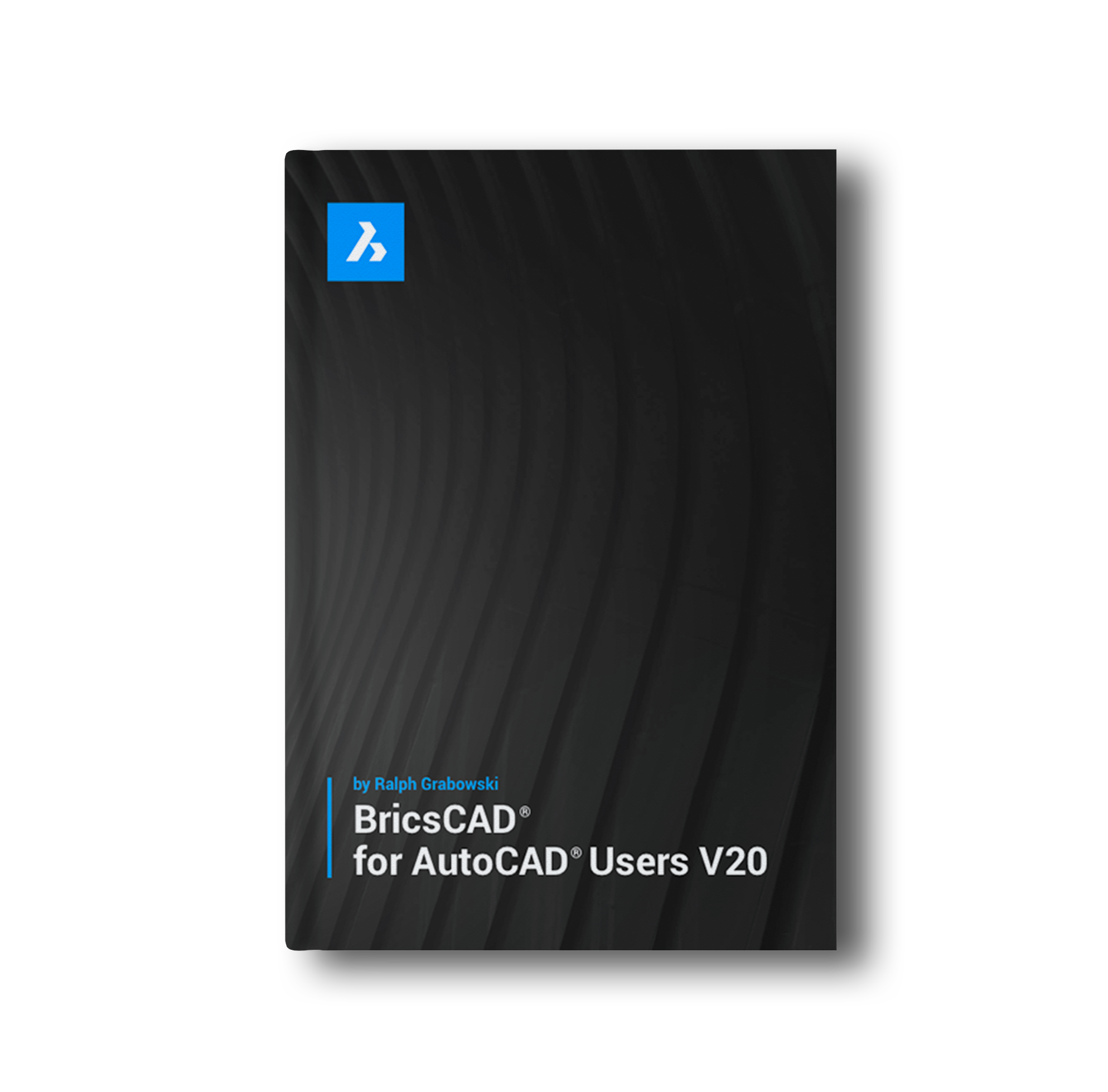
 Comparing User Interfaces Between AutoCAD & BricsCADCompatibility of Drawing ElementsCustomizing & Programming BricsCADOperating Dual-CAD Design Offices
Application
The BricsCAD interface will make you feel right at home from the very beginning.
Create and edit technical drawings, as well as annotating designs.
Powerful and adaptive tools for 3D direct solid modeling using our Geometric Constraints solver.
Bricsys 24/7 lets you easily share Building Information Modeling (BIM) designs.
We have an eco-system of hundreds of market-specific applications through our developer program.
Make BricsCAD your own by simply re-using your current menu, script and LISP customizations.
WHAT OUR USERS ARE SAYING



BricsCAD for AutoCAD users does exactly what it says on the tin: if you're coming to BricsCAD as an AutoCAD user, then this handy Ebook will tell you everything you need to know to make the switch between AutoCAD and BricsCAD as painless as possible.
Inside BricsCAD is a guided tour that explains everything you need to know to get started with BricsCAD, from the user interface to some of the most commonly used commands.
Customizing BricsCAD is for users wanting to change the way BricsCAD V20 looks and works. Using intuitive BricsCAD tutorials, it teaches you how to change the user interface, make new menus, hatch patterns, write LISP code and so much more!




Solidbase Technology. All Rights Reserved © 2026