Event in English

BricsCAD® V26 Launch

Catch up on everything we announced and discover how the latest BricsCAD release empowers your teams to deliver projects faster.

  • 1-hour live stream event
  • 10+ on-demand breakout sessions
  • BricsCAD V26 Launch
Product videos

In-depth breakout sessions

Already watched the keynote? Dive deeper with product experts as they demo the biggest updates across the BricsCAD platform.

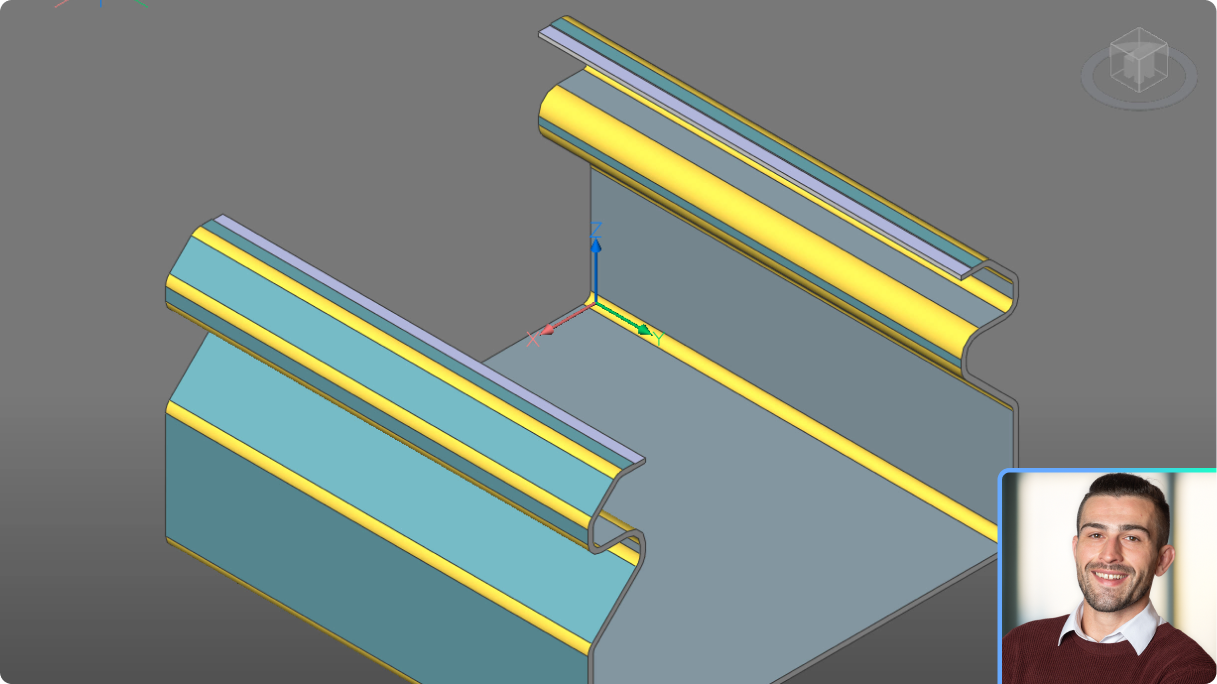
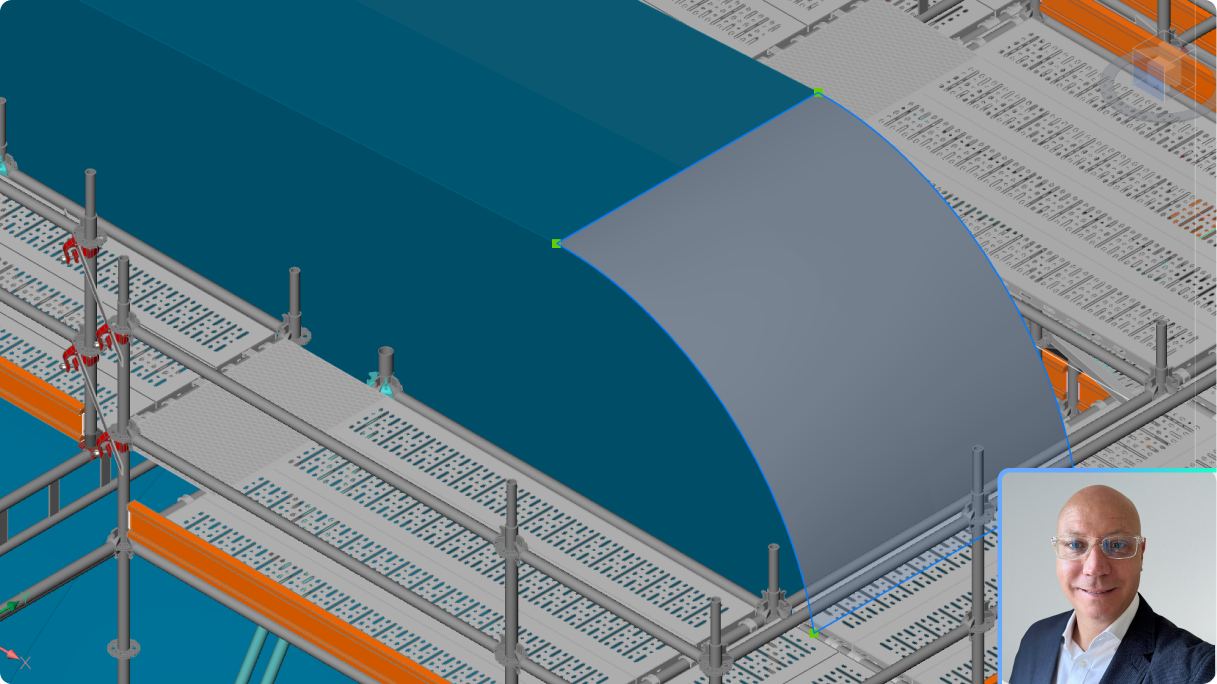
What's new in BricsCAD Pro V26 for 3D design verification
BricsCAD

What's new in BricsCAD Pro V26 for 3D design verification

Visualize and quickly alleviate costly design issues within your workflow, using 3D optimization and editing capabilities.

Watch session
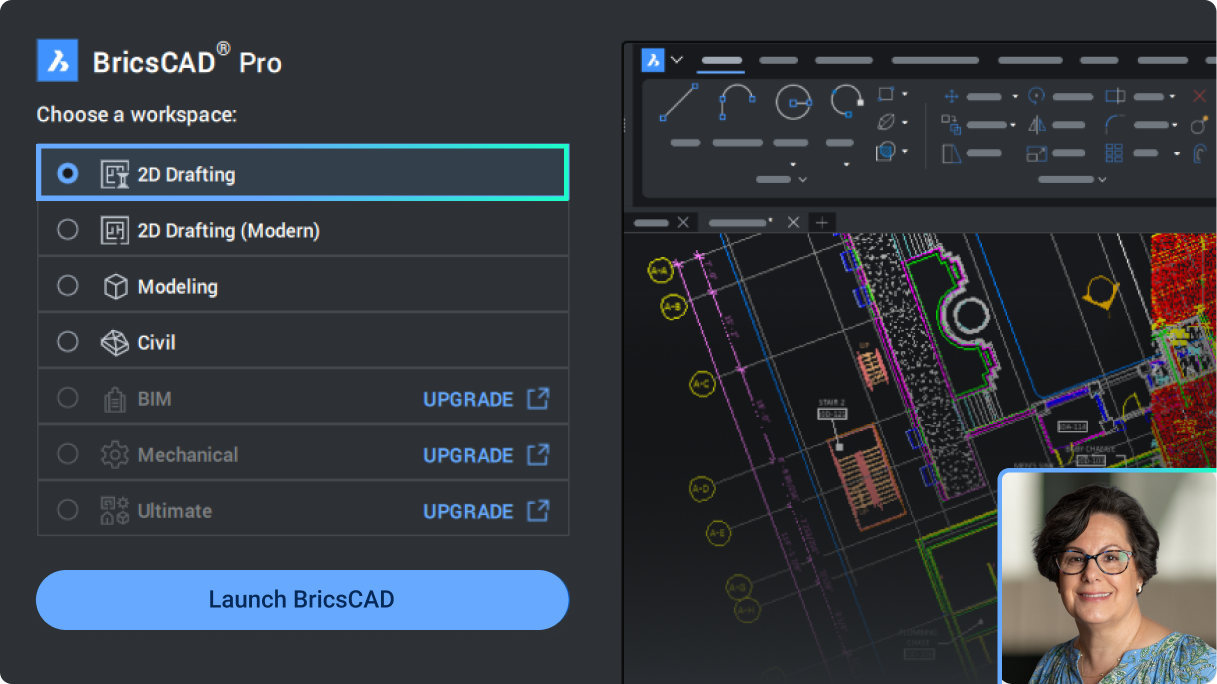
What's new in V26.1 for BricsCAD Lite and Pro for 2D Drafting
BricsCAD

What's new in V26 for BricsCAD Lite and Pro for 2D drafting

An overview of the new and enhanced tools for general design to help you deliver your projects faster.

Watch session
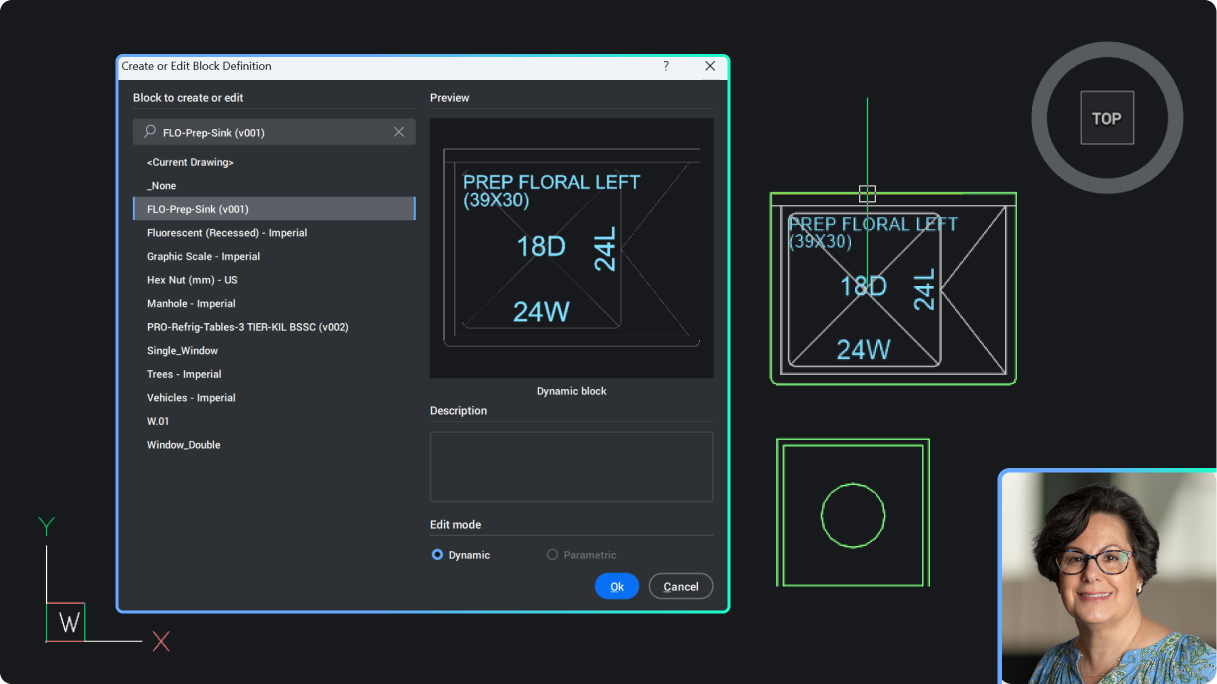
Creating and editing Dynamic Blocks in BricsCAD V26.1
BricsCAD

Create and edit Dynamic Blocks in BricsCAD V26

An introduction to creating and editing Dynamic Blocks in BricsCAD V26, available only for users outside of the United States. Learn how to apply actions and visibility states to new and existing Dynamic Blocks.

Watch session
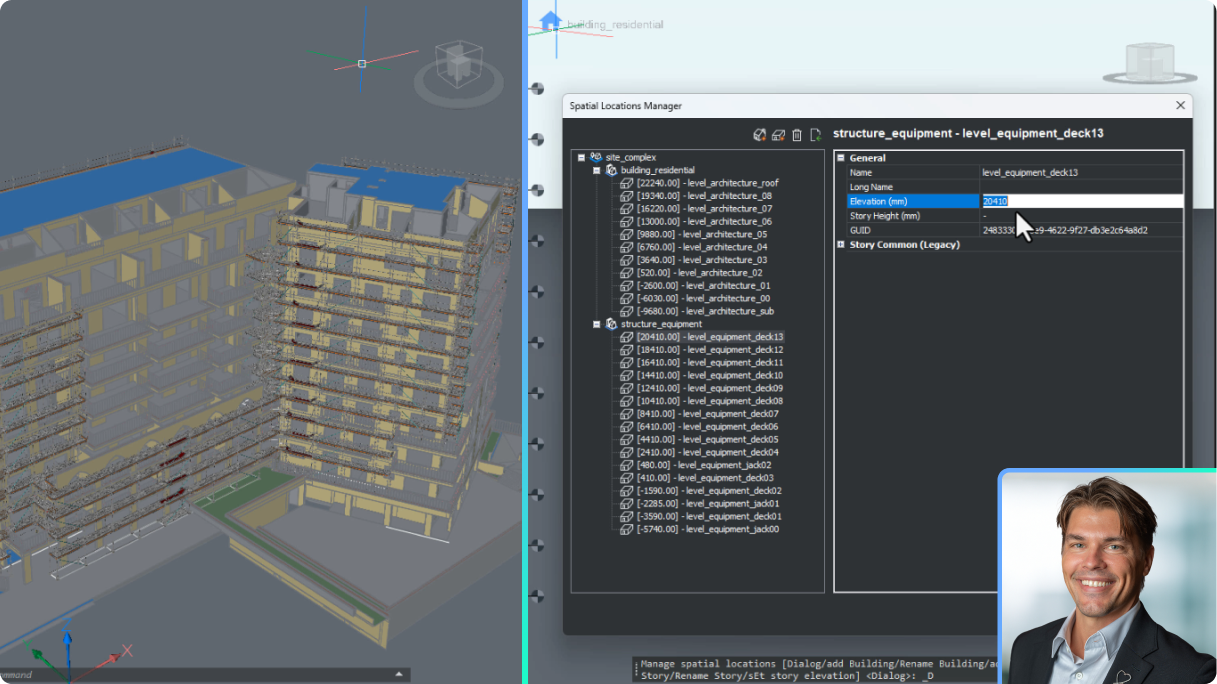
Set up BricsCAD for AEC project scalability
BricsCAD BIM

Set up BricsCAD for AEC project scalability

Understand the updates to BricsCAD's BSYSLIB project database and best practices to set up and deploy a new project.

Watch session
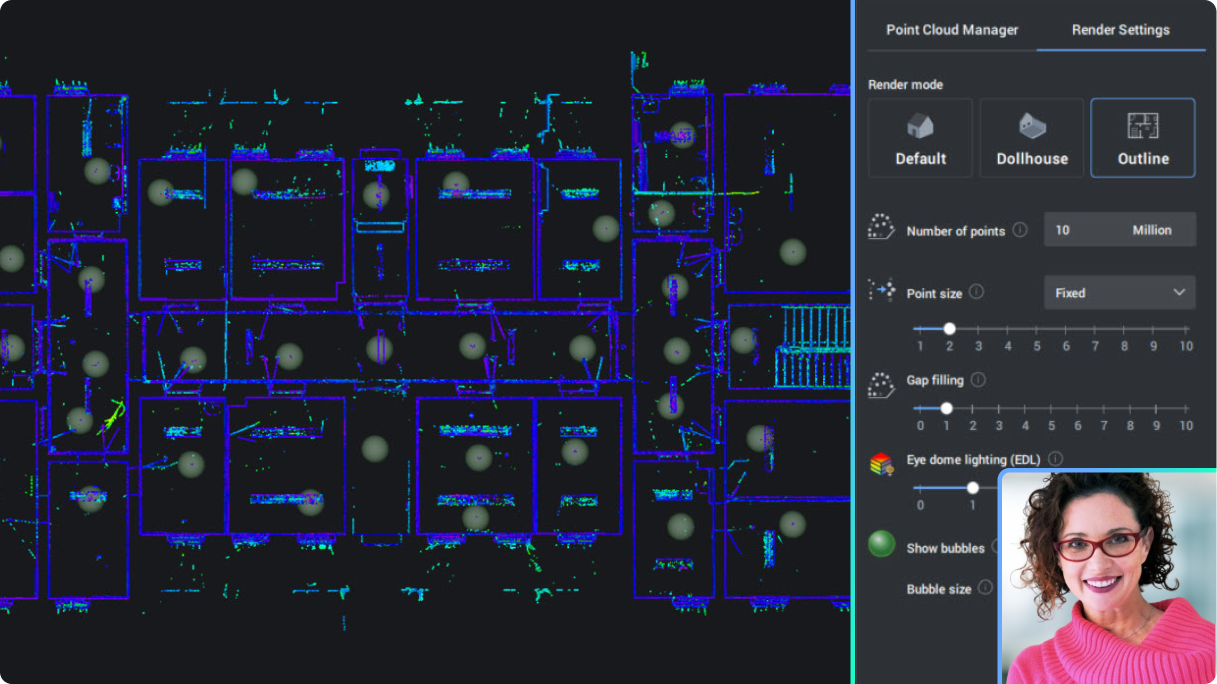
Point clouds in building-focused workflows
BricsCAD BIM

Point clouds in building-focused workflows

See new and enhanced point cloud functionality to help you work better and smarter.

Watch session
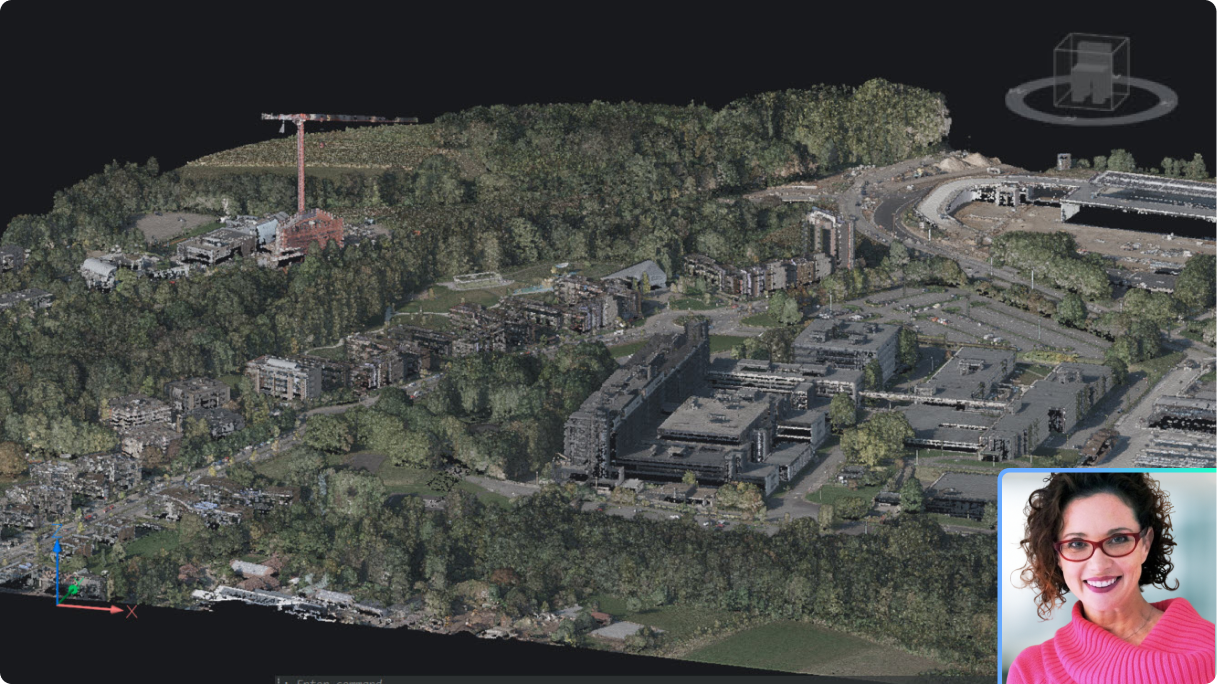
Enhance your workflows with point cloud data
BricsCAD

BricsCAD Pro and point cloud data

See new and enhanced point cloud functionality for even more productive workflows in general design and land surveying.

Watch session
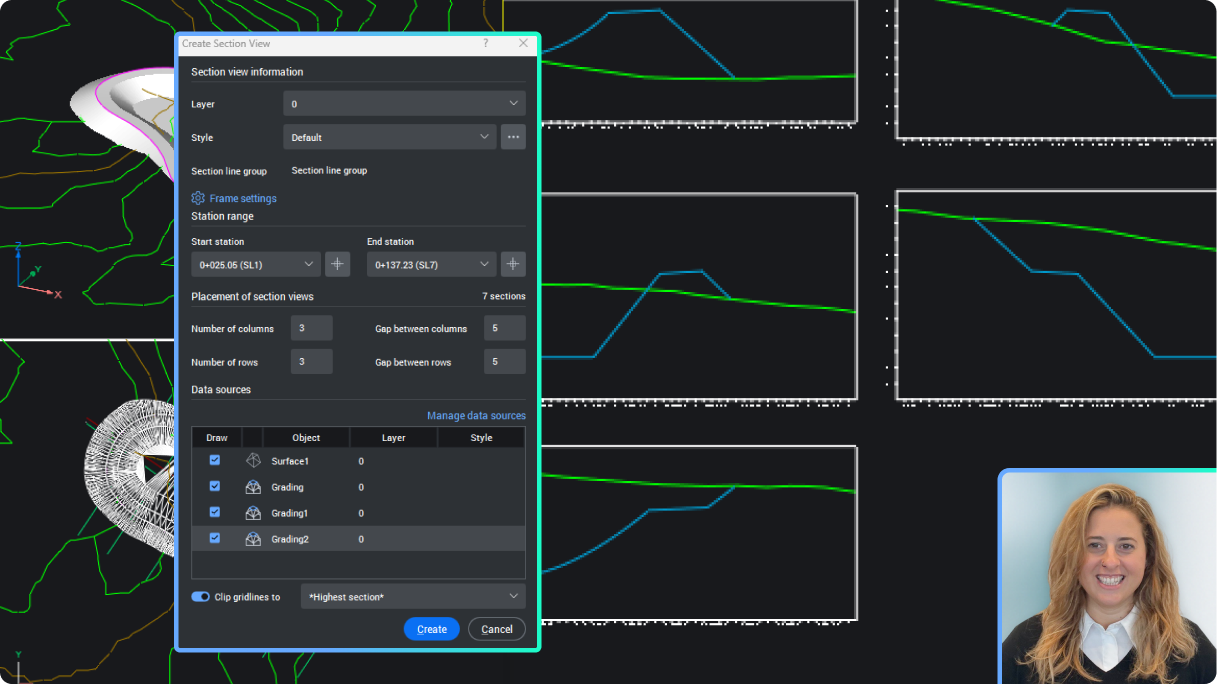
Create Civil Sections and Section Views
BricsCAD Survey Toolset

Create Civil Sections and Section Views

Extract section data from your civil elements in BricsCAD, including sampling from TIN surfaces, gradings, solids, and strings, and display them in the Section Views.

Watch session
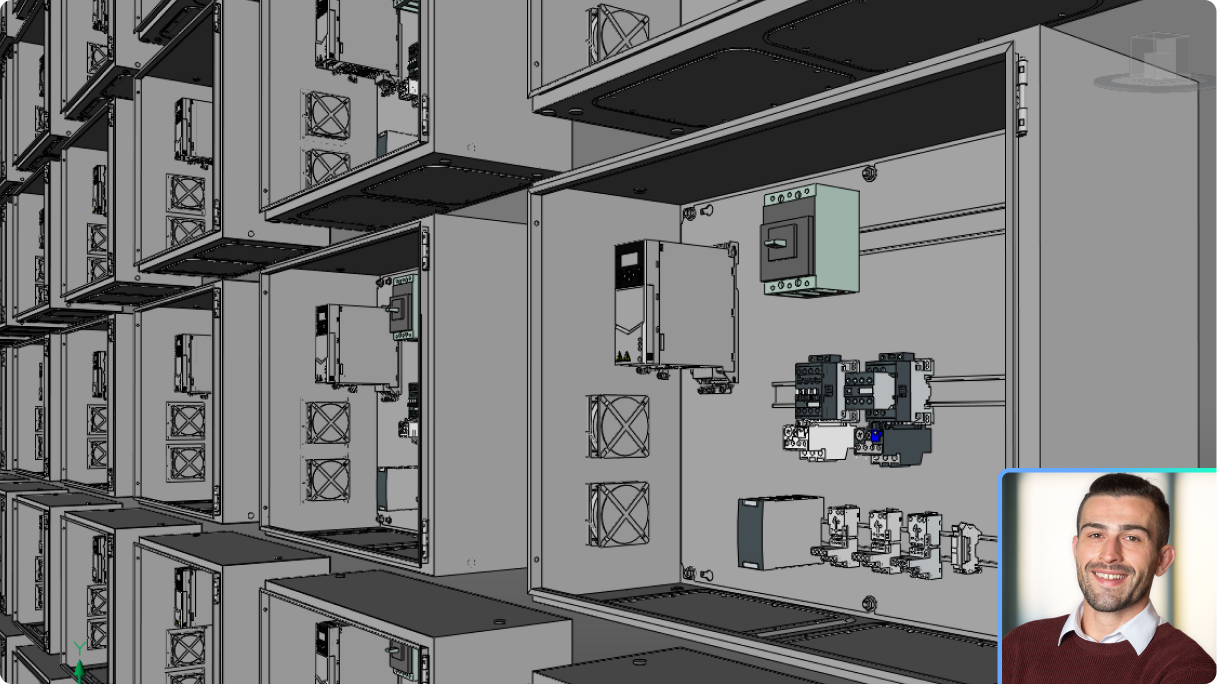
Seamless multi-CAD assembly modeling, part design, and documentation
BricsCAD Mechanical

Seamless multi-CAD assembly modeling, part design, and documentation

Learn how to import data from multiple CAD sources, build unified 3D assemblies, and generate drawings and BOM in one streamlined workflow.

Watch session
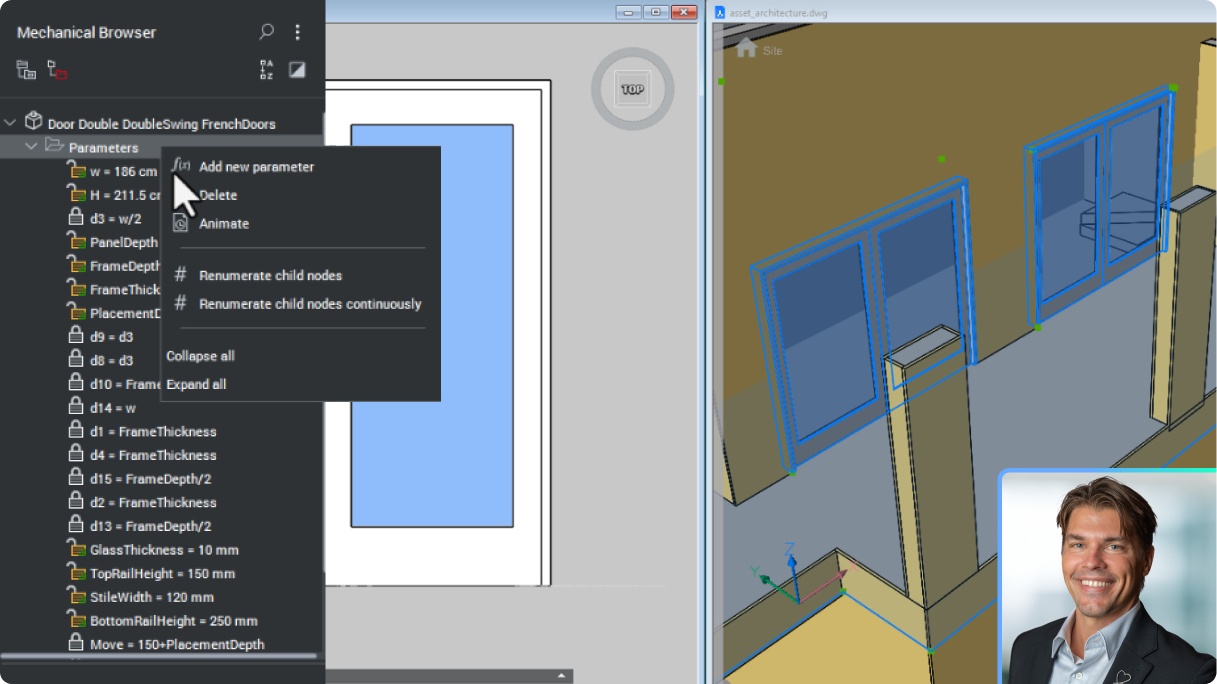
Build better content libraries with enhanced BIM Blocks
BricsCAD BIM

Build better content libraries with enhanced BIM Blocks

Deliver more accurate and adaptive geometry with BricCAD's BIM Blocks, made specifically for the rigours of data sharing in the construction industry.

Watch session
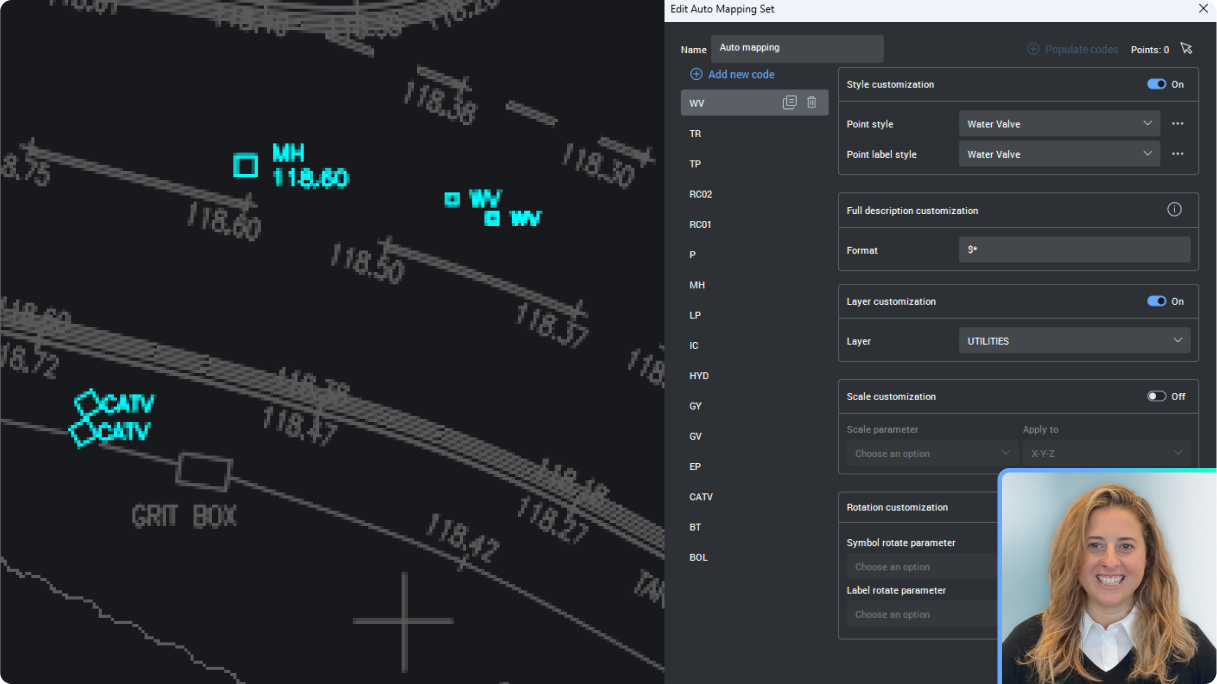
Set up Auto Mapping to manage Civil Points
BricsCAD Survey Toolset

Set up Auto Mapping to manage Civil Points

Learn to set up the new Auto Mapping for Civil Points and manage point styles, labels, layers and more, all automatically from the Point description.

Watch session
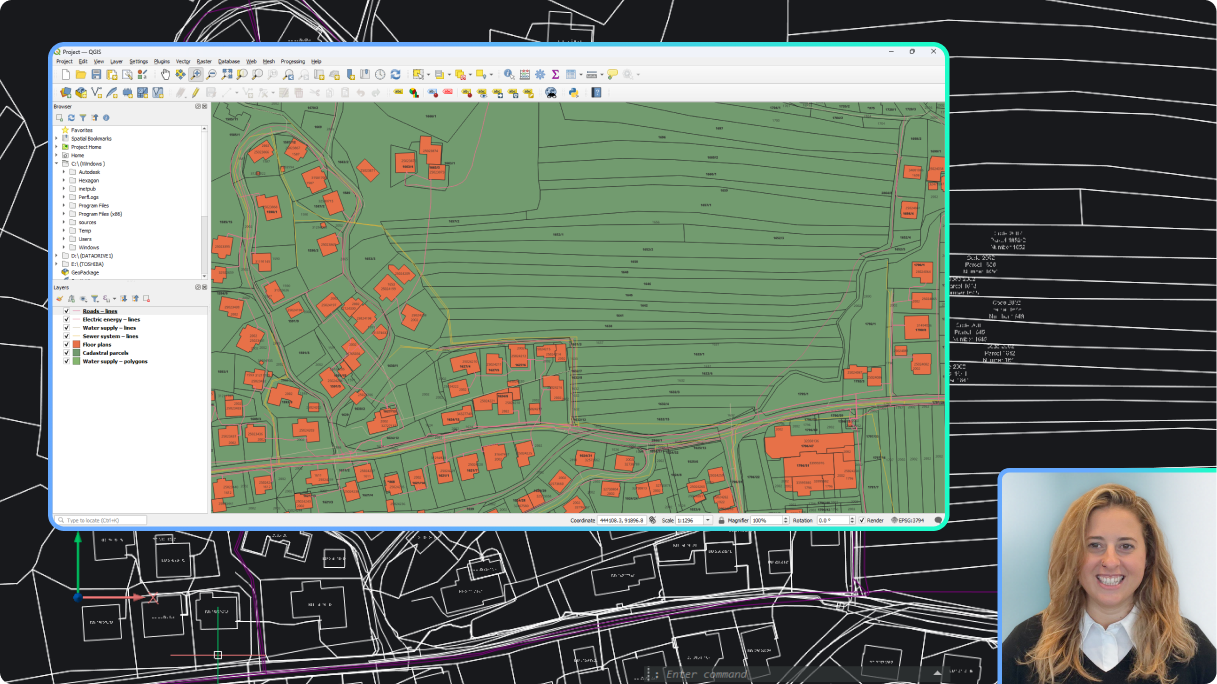
Create Labels for GIS Data
BricsCAD Survey Toolset

Create Labels for GIS data

Learn to create Label Styles that automatically display your GIS data.

Watch session
What's new in BricsCAD Mechanical V26
BricsCAD Mechanical

What's new in BricsCAD Mechanical V26

A high-level summary of new and enhanced capabilities for manufacturers.

Watch session
Generate Civil Points fast
BricsCAD Survey Toolset

Generate Civil Points fast

See how BricsCAD can create Civil Points in a variety of ways, based on any geometry in your drawing. Learn how to make this tedious process fast and easy.

Watch session
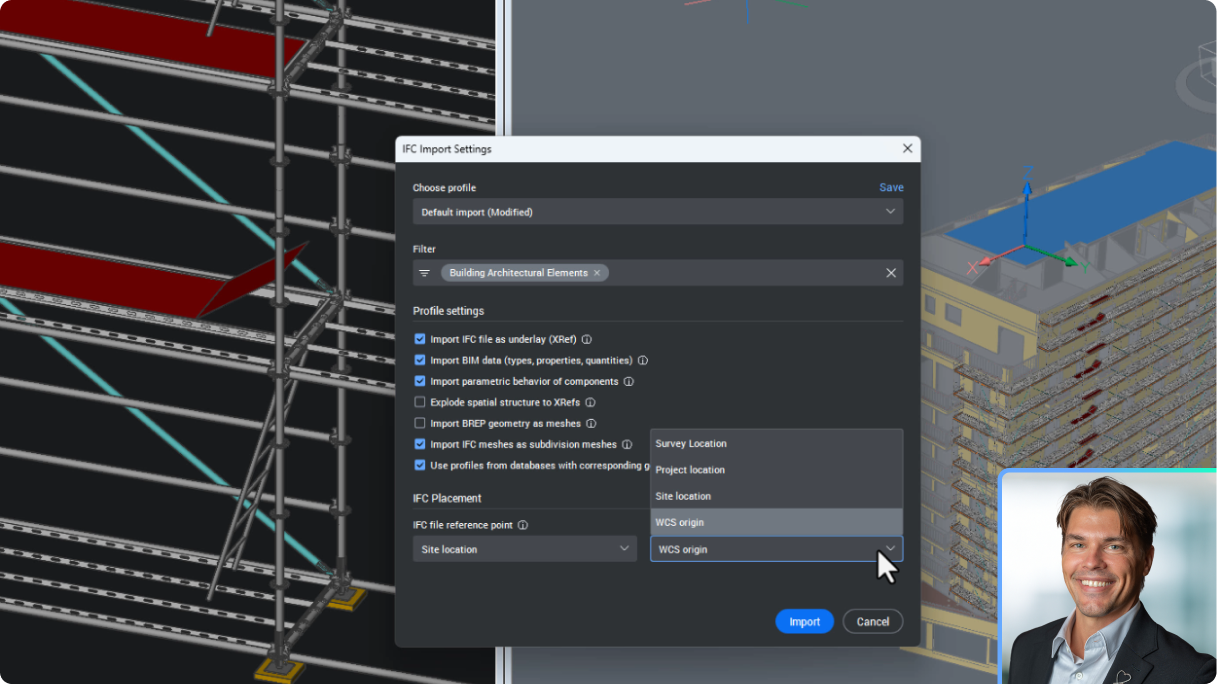
New data coordination in BricsCAD with IFC imports as XRefs
BricsCAD BIM

New data coordination in BricsCAD with IFC imports as XRefs

See how BricsCAD now handles IFC imports as DWG XRefs, facilitates seemless updating with BIMUPDATEUNDERLAY, and aligns to a Project Base Point.

Watch session
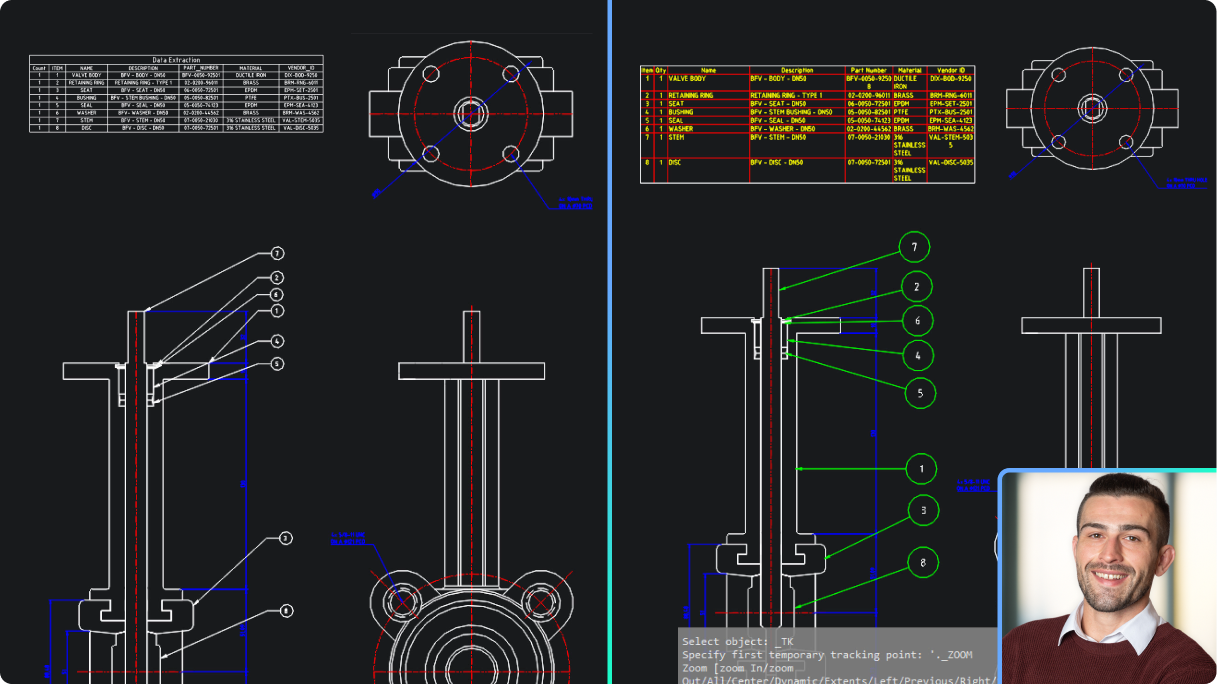
Parts List in BricsCAD Mechanical vs data extraction in BricsCAD Pro
BricsCAD Mechanical

Parts List in BricsCAD Mechanical vs data extraction in BricsCAD Pro

See how associative Part Lists in BricsCAD Mechanical outperform BricsCAD Pro's data extraction in speed and accuracy.

Watch session